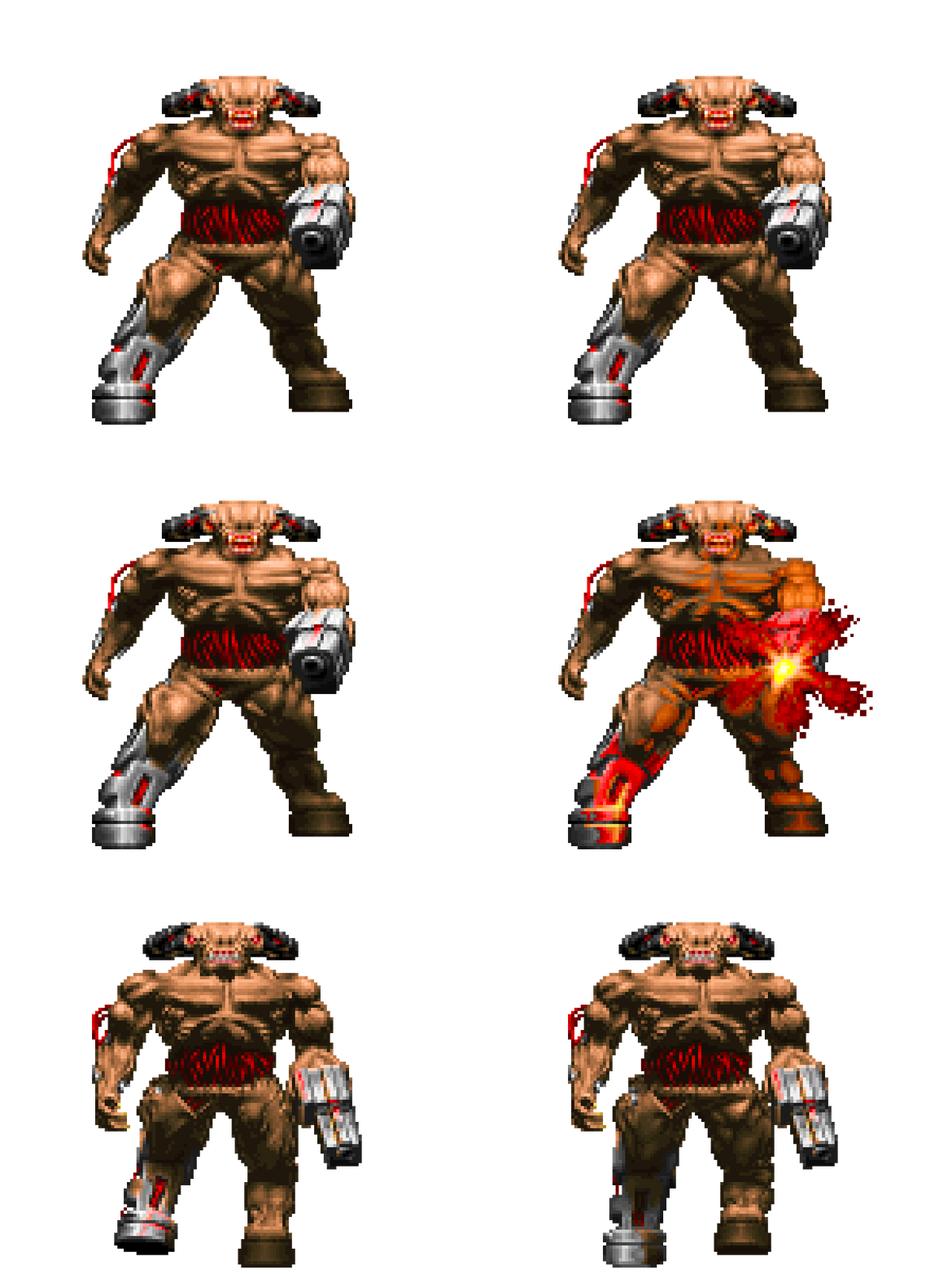
I use lots of animated Doom sprites for
my analysis videos.
Rather than hardcoding every animation by hand, or worse: handcrafting them into GIFs frame by frame,
I've written this converter which reads Doom's state table straight from
info.c.
Every state holds a sprite, a frame, a duration in tics and the state that comes after it. That's half of the data you need.
The other half is obtained from a WAD file. The converter reads it, cross-matches the sprite names with the state table,
sets the correct X and Y offsets read from the WAD, and stitches everything together into a tic-accurate GIF animation.
Look, it supports obscure multiplayer palette translations.
You need to install
Python first, along with the
omgifol and
Pillow libraries. If you use Windows, run the following in your terminal:
winget install Python.Python.3.13
Then install the packages:
py -m pip install omgifol pillow
Spectres with the authentic fuzz effect and turbo Pinkies are also generated.
py dsprite2gif.py doom2.wad
The GIFs are saved in a folder named after the WADs you used (e.g. animations_doom2), sorted by category, name, state and rotation.
Just like in Doom, you can override content through PWADs.
This is useful if you want to generate animations of custom enemies, or to apply a sprite fix WAD for correct offsets and other graphical quirks.
py dsprite2gif.py doom2.wad D2SPFX20.WAD
The animated GIFs respect Doom's aspect ratio. Left: perfection. Right: cringe square pixels.
For more information, check out the GitHub repository. There are also options you can use to adjust the scale and aspect ratio, apply fuzz effects, and more.
Download dsprite2gif
GitHub
Back